
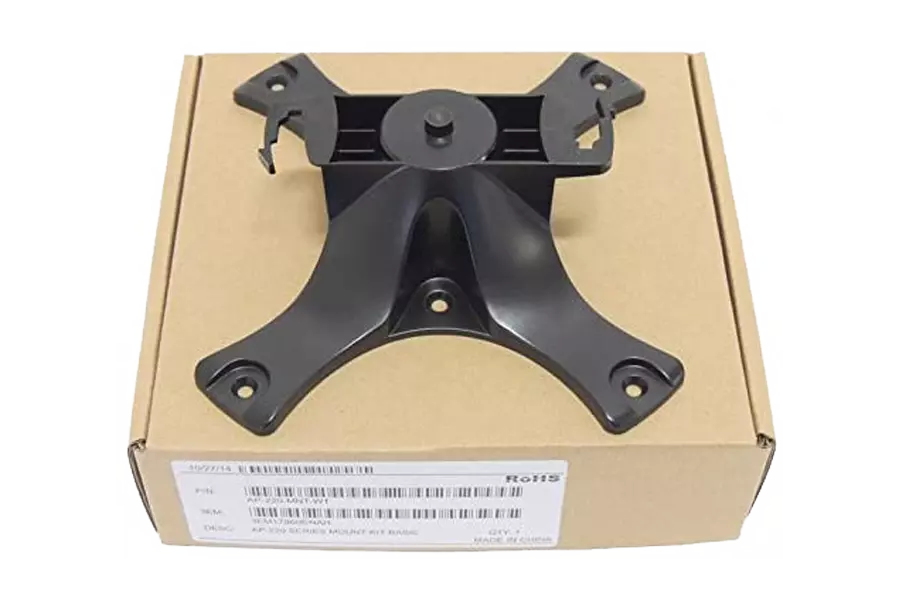
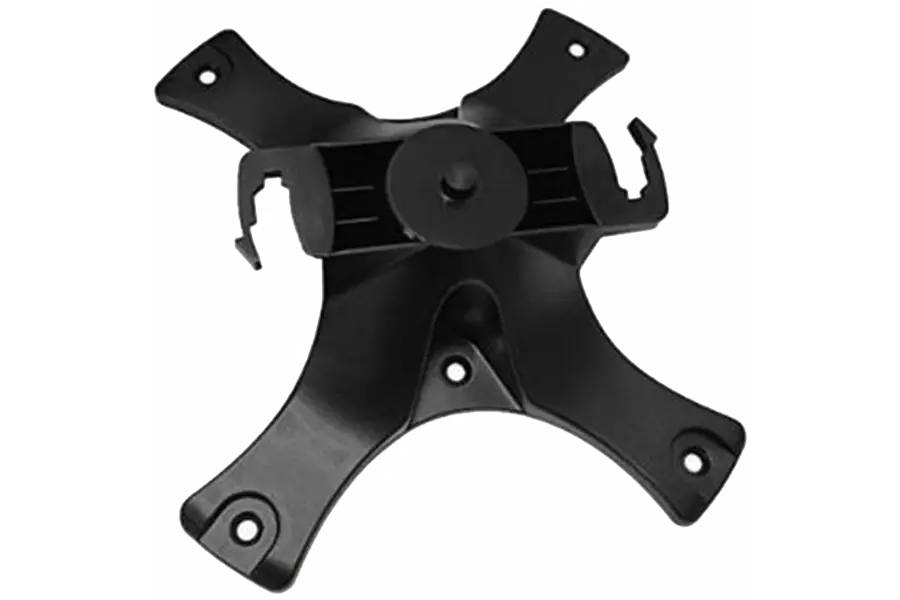
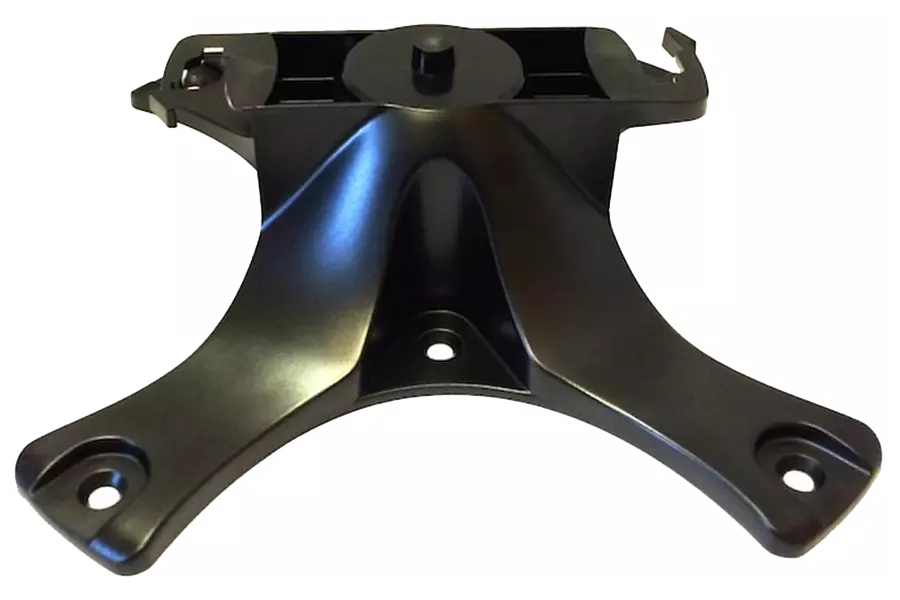
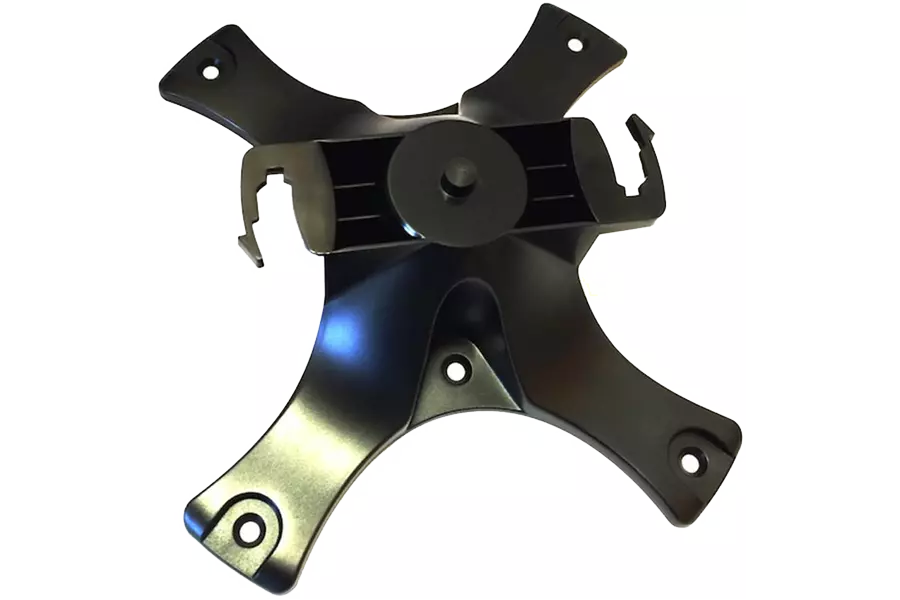
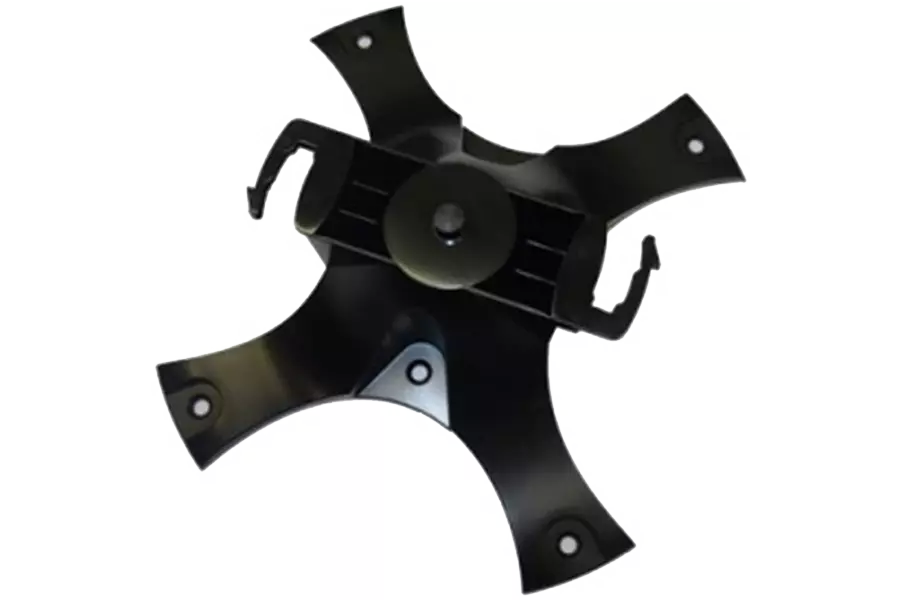
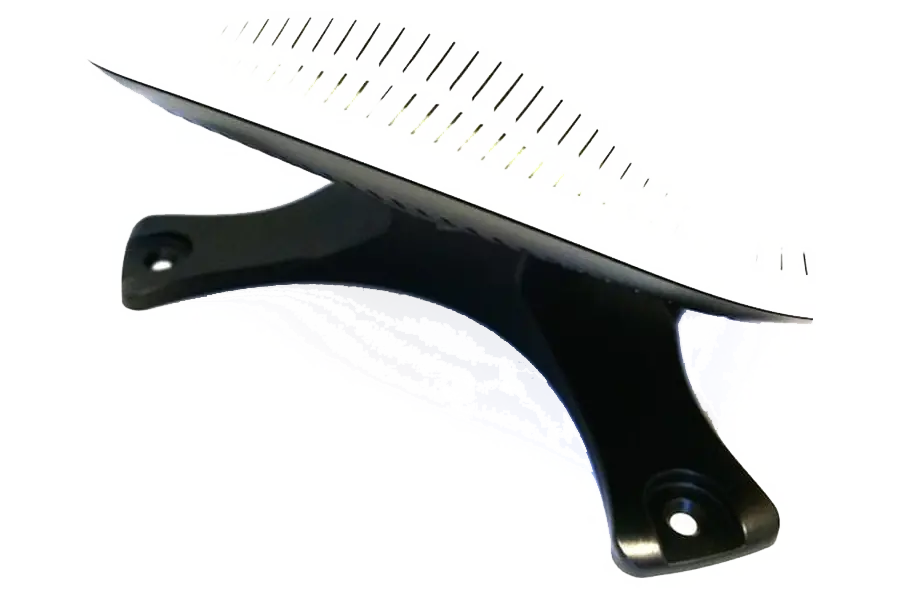
HPE Aruba AP-220-MNT-W1 - network device mounting kit
AP-220-MNT-W1 Basic Mount Kit
Description
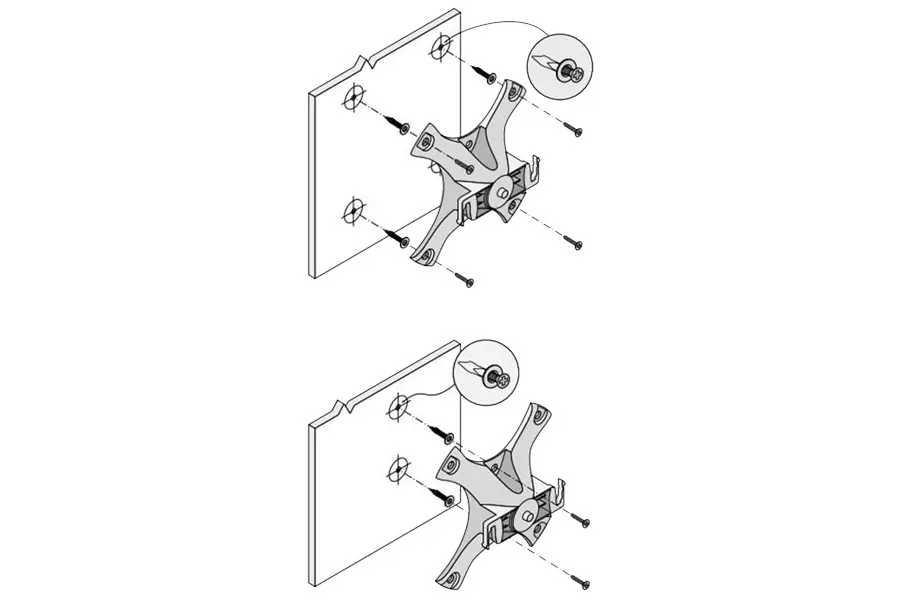
Safely and securely mount your high-performance network devices with the HP Aruba AP-220-MNT-W1 Network Device Mounting Kit. This wall mount kit lets you install your modems and routers to walls and other flat surfaces, thus reducing desk space and clutter. In addition, mounting at a height allows the network device to offer more coverage to a wide area. This mounting kit is compatible with a wide range of devices including the Aruba AP-214, Aruba AP-214 FIPS/TAA, Aruba AP-215, Aruba AP-215 FIPS/TAA, Aruba AP-224, Aruba AP-224 FIPS/TAA, Aruba AP-225, Aruba AP-225 FIPS/TAA, Aruba AP-228 and more.
- Aruba mounting kit for Aruba network devices
- Offers wide compatibility to Aruba devices
- Allows convenient placement of network devices in large office spaces
Frequently Asked Questions
What is the HPE Aruba AP-220-MNT-W1 - network device mounting kit used for?
The HPE Aruba AP-220-MNT-W1 - network device mounting kit is a HPE Aruba IT accessory supplied by MetaPoint Technologies, supporting everyday productivity for businesses across Hyderabad, Telangana, Andhra Pradesh, and Karnataka.
Does MetaPoint Technologies provide installation and support for the HPE Aruba AP-220-MNT-W1 - network device mounting kit in South India?
Yes. MetaPoint Technologies supplies, installs, and supports the HPE Aruba AP-220-MNT-W1 - network device mounting kit for clients across Hyderabad, Telangana, Andhra Pradesh, and Karnataka, with warranty assistance and AMC options available.
Is the HPE Aruba AP-220-MNT-W1 - network device mounting kit covered under manufacturer warranty when purchased from MetaPoint Technologies?
Yes. The HPE Aruba AP-220-MNT-W1 - network device mounting kit carries manufacturer warranty when supplied by MetaPoint Technologies, and MetaPoint Technologies assists with warranty claims for clients in Hyderabad, Telangana, Andhra Pradesh, and Karnataka.
How do I get a quote for the HPE Aruba AP-220-MNT-W1 - network device mounting kit from MetaPoint Technologies?
MetaPoint Technologies, with 15 years of IT infrastructure experience, provides a tailored quote for the HPE Aruba AP-220-MNT-W1 - network device mounting kit based on your requirement. Contact MetaPoint Technologies's pre-sales team serving Hyderabad, Telangana, Andhra Pradesh, and Karnataka to get started.